Turn great art into your next colour palette
Collect public-domain artworks on a moodboard. Every piece gives its colours, and you get one palette ready for Tailwind, CSS or JSON.
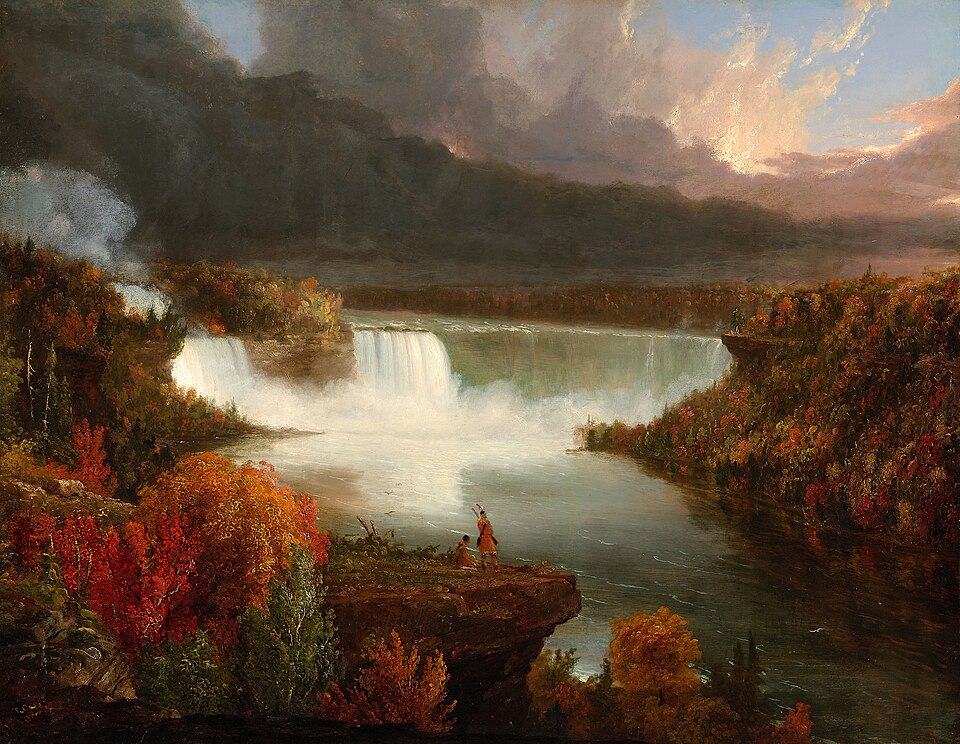
#40392b26%
#321c0f24%
#52331719%
#9c876d16%
#6e625315%
Find art
Search the Art Institute of Chicago by artist, period or medium. Public-domain works only.
Build a board
Add artworks to a moodboard and drag them into the order you like.
Get your palette
Five colours are pulled from every artwork, merged into one palette and checked for readable contrast.
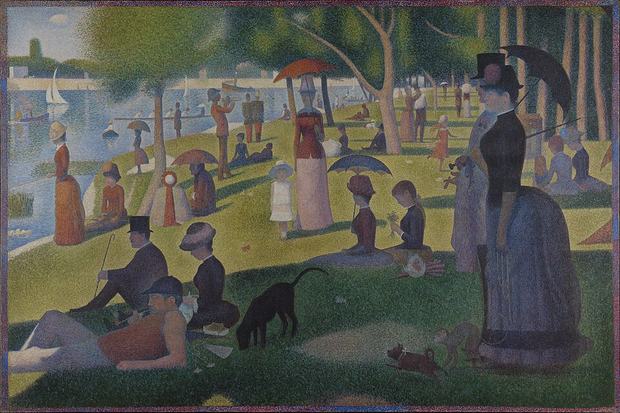
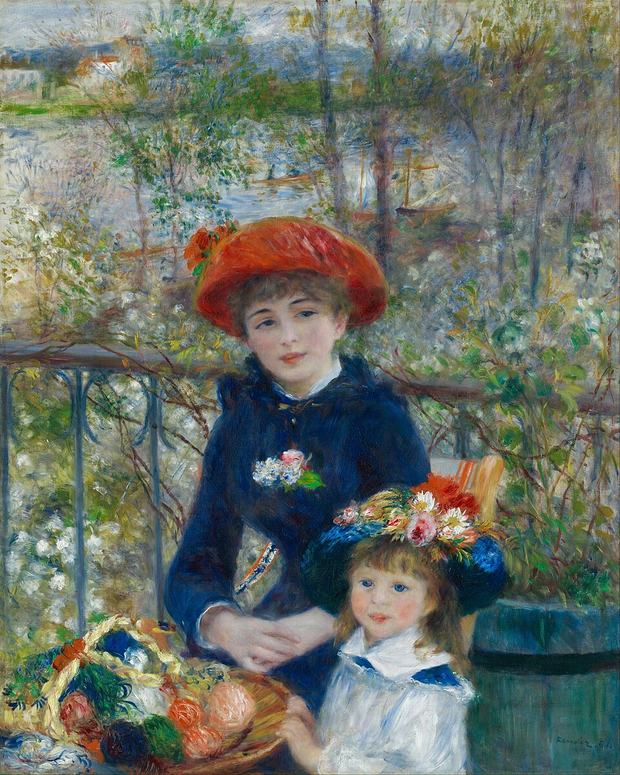
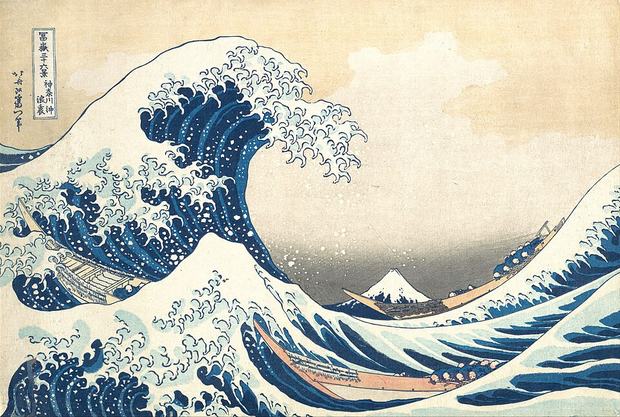
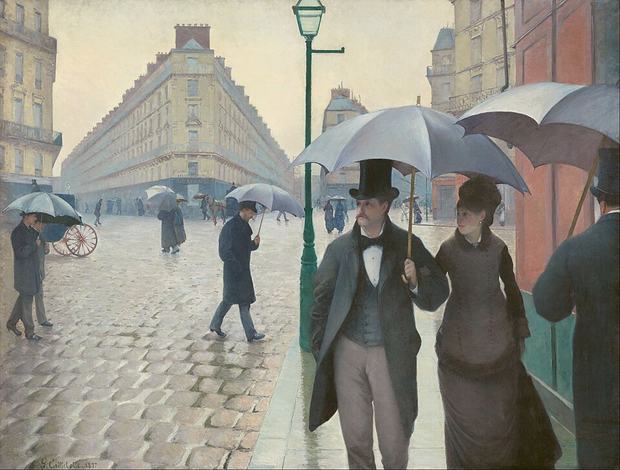
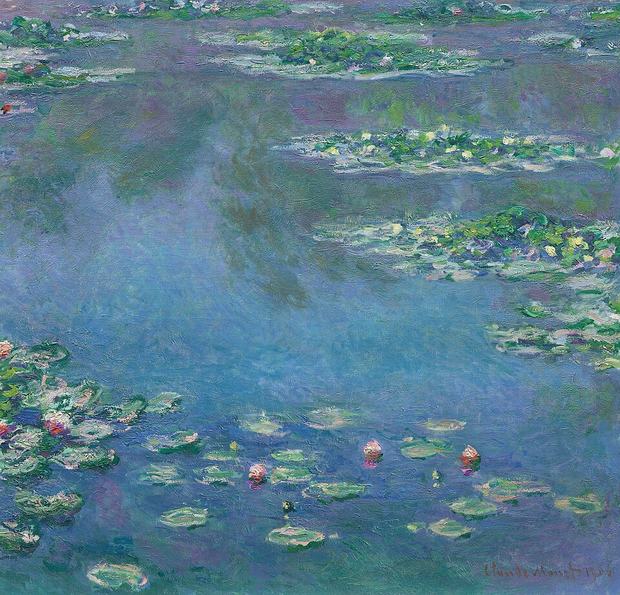
Example board
Five paintings, one palette
Text on background
AA pass
12.4:1
AA pass
8.0:1
AA pass
7.1:1
AA pass
7.0:1
Fails
1.1:1
Fails
1.1:1
Paste it into your project
The merged palette, written for the tool you already use.
- board-1 #6d7c79
- board-2 #567891
- board-3 #454844
- board-4 #a9aba2
- board-5 #e7dfc7
@theme {
  --color-board-1: #6d7c79;
  --color-board-2: #567891;
  --color-board-3: #454844;
  --color-board-4: #a9aba2;
  --color-board-5: #e7dfc7;
}
:root {
  --board-1: #6d7c79;
  --board-2: #567891;
  --board-3: #454844;
  --board-4: #a9aba2;
  --board-5: #e7dfc7;
}
{
    "board-1": "#6d7c79",
    "board-2": "#567891",
    "board-3": "#454844",
    "board-4": "#a9aba2",
    "board-5": "#e7dfc7"
}
Every artwork is one tile. Your board is the mosaic.
A student project at Thomas More, built on the open collection of the Art Institute of Chicago.
Start your first moodboard